LinkedIn Carousel Ads: Specs, Examples, and How to Run One
Everything on LinkedIn carousel ads: the exact card specs (2–10 cards, 1080×1080), how a paid carousel ad differs from an organic document post, how to run one in Campaign Manager, and what a good one looks like.
A LinkedIn carousel ad (a "Carousel image ad" in Campaign Manager) is a paid, swipeable ad of 2–10 cards. Each card is a 1080×1080 (1:1) JPG or PNG up to 10 MB, with its own headline (≤45 characters) and destination link, under one intro text (≤255 characters). It's different from an organic carousel, which is just a PDF you post for free.
"LinkedIn carousel" means two different things, and mixing them up is the number-one reason ad specs look confusing. It's worth thirty seconds to get this straight before you build anything.
- →Organic carousel (free): a multi-page PDF you post as a document. Portrait or square, any design, no budget. This is what most "how to make a carousel" advice is about.
- →Carousel ad (paid): a "Carousel image ad" you build in LinkedIn Campaign Manager. 2–10 square cards, each an image with its own headline and link, shown to an audience you target and pay to reach.
LinkedIn carousel ad specs
These are the specs for the paid Carousel image ad, as of 2026. LinkedIn occasionally changes them, so confirm against LinkedIn's own carousel-ad specifications before a launch.
| Spec | Carousel image ad |
|---|---|
| Cards | 2–10 (5–6 tends to perform best) |
| Image size | 1080 × 1080 px |
| Aspect ratio | 1:1 (square) |
| File type | JPG or PNG (no GIF) |
| Max file size | 10 MB per card |
| Intro text | up to ~255 characters |
| Headline per card | up to ~45 characters |
| Links | each card can point to its own URL |
How to run a carousel ad
Carousel ads live in Campaign Manager, not the normal posting box. The flow, at a high level:
- →In Campaign Manager, create a campaign and pick an objective (brand awareness, website visits, lead generation, etc.).
- →Set your audience, budget and schedule.
- →Choose the Carousel image ad format.
- →Upload 2–10 square (1080×1080) cards, write a headline and destination URL for each, and add the intro text.
- →Review and launch. Watch card-level clicks - LinkedIn shows which cards people swipe to and click.
What a good carousel ad looks like
The best carousel ads follow the same rules as good organic carousels - they just have a budget behind them.
- →The first card is the whole game. It has to earn the swipe on its own, so lead with a hook or a clear value, not a logo.
- →One idea per card. Don't cram a paragraph onto a square - a line and a visual is plenty.
- →You don't need all ten. Five to six tight cards usually beat ten thin ones.
- →Keep the design consistent card to card - same fonts, colours and margins - so it reads as one story.
- →End on a card with a clear next step, and give that card the strongest link.
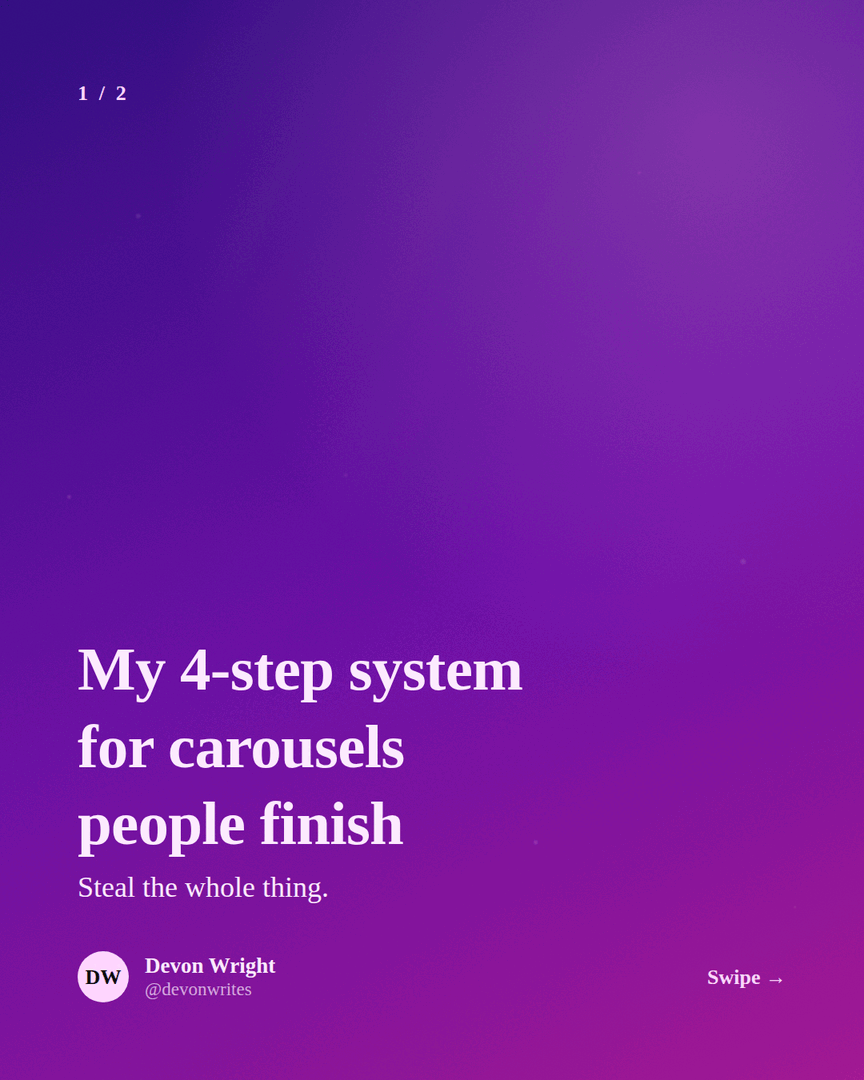
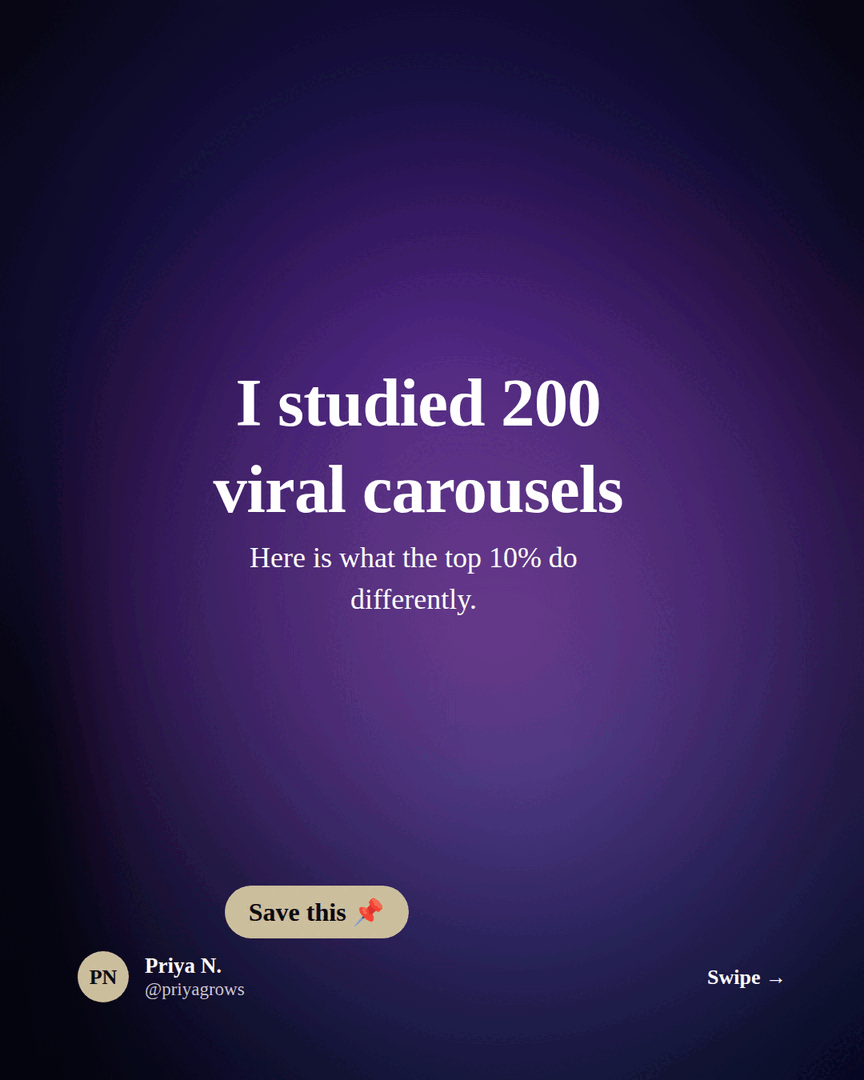

Make the card creatives in Reathy
The hard part of a carousel ad is usually the design - ten on-brand square cards. Reathy turns that into typing: write each card as text, pick a theme, set the format to square 1:1, and export each slide as a 1080×1080 PNG. Those PNGs are exactly what you upload as carousel-ad cards, already on-brand and the right size.
Do you even need ads?
Honestly - often not. Organic document-post carousels get strong, free reach on LinkedIn precisely because they hold attention. Ads are worth it when you need guaranteed reach to a specific audience (a named account list, a job title, a region) or you're driving a campaign with a deadline. Either way the creative is the same skill, and you can make it for free - so it's easy to test organically first and only put budget behind what already works.
Frequently asked questions
What size is a LinkedIn carousel ad?
Each card is 1080 × 1080 px, a 1:1 square, as a JPG or PNG up to 10 MB. A carousel ad has 2–10 cards, with an intro text up to ~255 characters and a headline of up to ~45 characters per card. Confirm the current numbers on LinkedIn's official carousel-ad specifications before launching.
How many cards can a LinkedIn carousel ad have?
Between 2 and 10. Five to six well-made cards usually perform better than ten thin ones - you don't need to fill all the slots.
What's the difference between a carousel ad and an organic carousel?
An organic carousel is a free PDF you post as a document - portrait or square, any length. A carousel ad is a paid Carousel image ad built in Campaign Manager: 2–10 square image cards, each with its own headline and link, shown to a targeted audience you pay to reach.
Are LinkedIn carousel ads still available in 2026?
Yes. The Carousel image ad format is still offered in LinkedIn Campaign Manager. As with all ad formats, check LinkedIn's current specifications before you build, since exact limits can change.
Make your carousel now
Free to start - 5 slides per carousel and 20 exports a month. No design skills needed.
Open the editor