LinkedIn Carousel Ad Examples: 7 That Work (and Why)
Seven LinkedIn carousel ad examples broken down card by card - lead-gen, product, case study, webinar, hiring and more - plus the pattern behind each one and how to build the creatives for free.
A good LinkedIn carousel ad earns the swipe on the first card, puts one idea on each of 5-6 square cards, keeps the design consistent, and ends on a clear call to action. The examples below show that pattern across lead-gen, product, case-study, webinar and hiring ads - each is 2-10 cards at 1080×1080 (1:1).
The hard part of a LinkedIn carousel ad isn't the targeting - it's the creative. Below are seven example patterns you can copy, each broken down by what it does on each card and why it works. They're patterns, not specific brands, so you can adapt them to your own offer without copying anyone. Every one is a paid "Carousel image ad": 2-10 square cards, 1080×1080, each with its own headline and link.
New to the format itself? The specs and the Campaign Manager steps live in the main ads guide - this page is purely about what good ones look like.
1. The lead-magnet ad (B2B SaaS)
The workhorse of B2B. It trades a genuinely useful resource - a template, checklist or benchmark report - for a click to a landing page.
- →Card 1 (hook): the problem, stated as the reader feels it. "Your onboarding emails are costing you signups."
- →Cards 2-4: three concrete fixes or three data points, one per card - proof there's real value behind the click.
- →Card 5 (offer): "Get the full 12-step teardown - free." The strongest link sits here.
- →Why it works: it gives value before it asks, so the final card feels earned rather than salesy.
2. The product-walkthrough ad
Shows the product doing the one thing the buyer cares about, in sequence, so the swipe mimics the workflow.
- →Card 1: the outcome, not the feature. "Turn a messy spreadsheet into a report in 2 minutes."
- →Cards 2-4: three steps, each a screenshot-style card with a one-line caption.
- →Card 5: "Try it free" with a link straight to signup or a demo.
- →Why it works: a carousel is a sequence, so a step-by-step product story fits the format perfectly.
3. The case-study / proof ad (agency)
Turns one client result into a swipeable story. Ideal for agencies and consultants who sell outcomes.
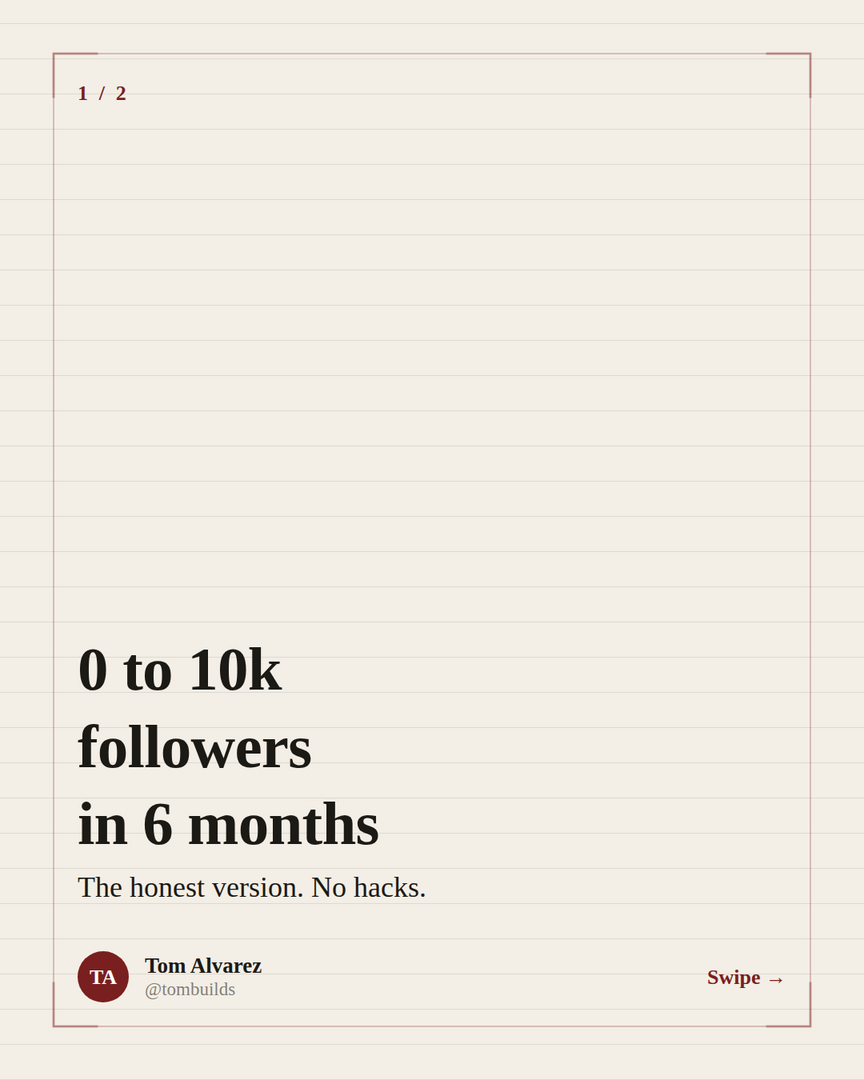
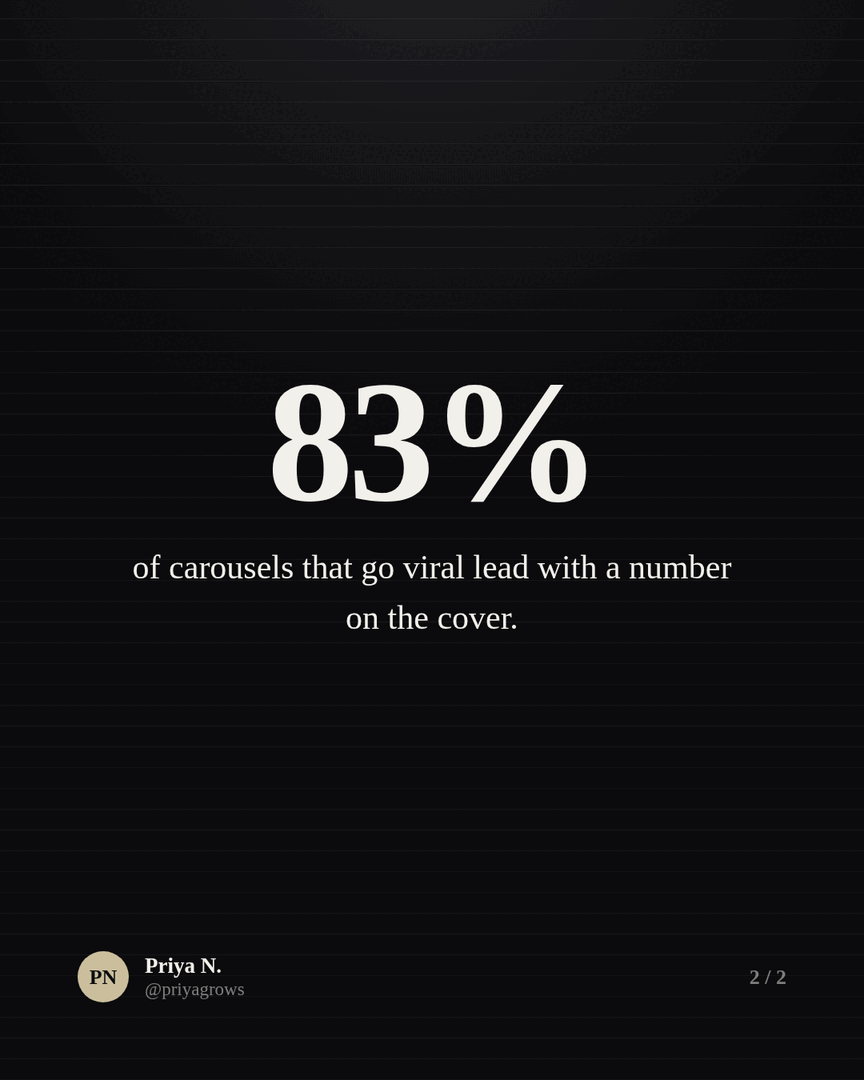
- →Card 1: the result as a number. "How we cut a client's cost-per-lead by 41%."
- →Cards 2-3: the before, then the move you made.
- →Card 4: the after, with a simple chart.
- →Card 5: "Want the same? Let's talk." link to a contact or booking page.
- →Why it works: a specific number on card 1 is a hook and proof at once.
4. The webinar / event ad
Sells the agenda, not the date. Each card is a reason to show up.
- →Card 1: the promise. "3 things you'll steal from this 30-minute session."
- →Cards 2-4: one takeaway per card.
- →Card 5: date, time and "Save your seat" link.
- →Why it works: it front-loads value, so registration feels like a small ask for a lot of return.
5. The hiring / employer-brand ad
Recruiting is a pitch too. This one sells the team before the role.
- →Card 1: "We're hiring - here's what it's actually like."
- →Cards 2-4: three honest, specific things about the team, the work, or how you operate.
- →Card 5: the open role + "See the job."
- →Why it works: specificity reads as honesty, which is rare in hiring ads and earns the click.
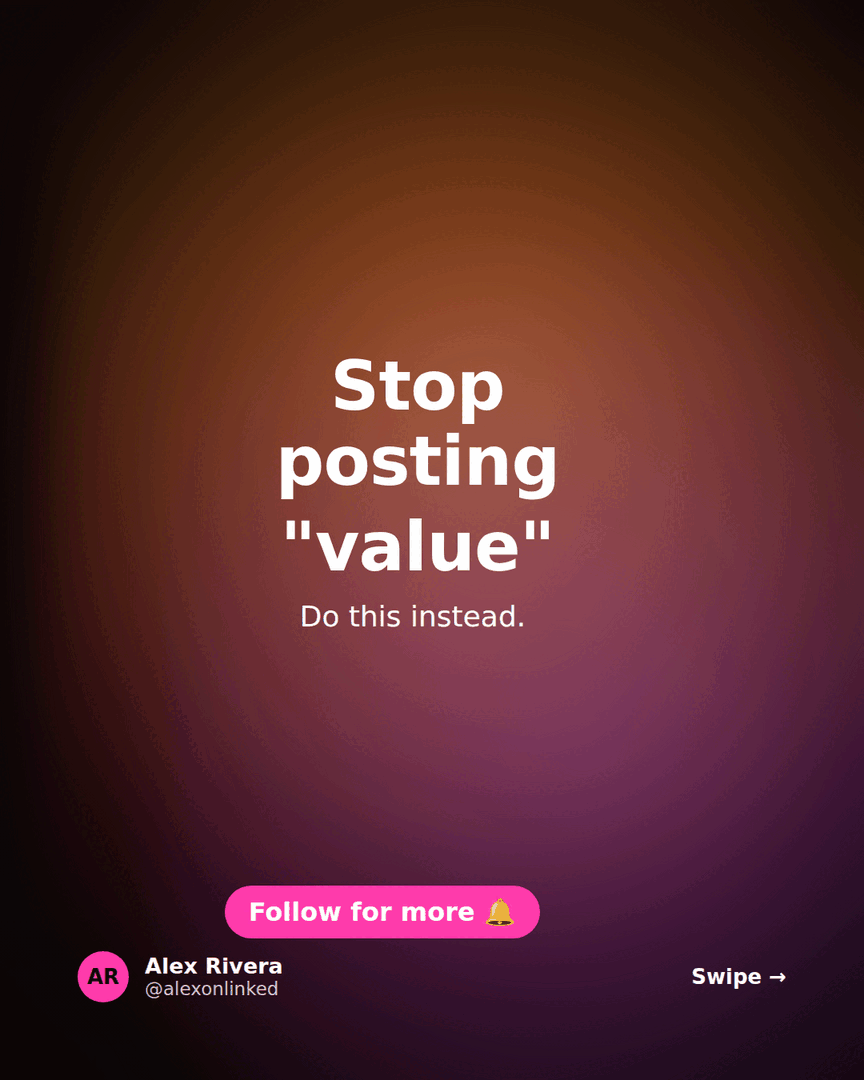
6. The contrarian-take ad (thought leadership)
Top-of-funnel awareness. No hard offer - the goal is a follow and a saved post.
- →Card 1: a sharp, defensible opinion. "Most 'best practices' are just survivorship bias."
- →Cards 2-4: the argument, one beat per card.
- →Card 5: "Follow for more" plus a soft link.
- →Why it works: a strong point of view travels, and a paid boost puts it in front of the exact audience you want to be known by.
7. The listicle / quick-win ad
The most forgiving format: a tight list the reader can act on today.
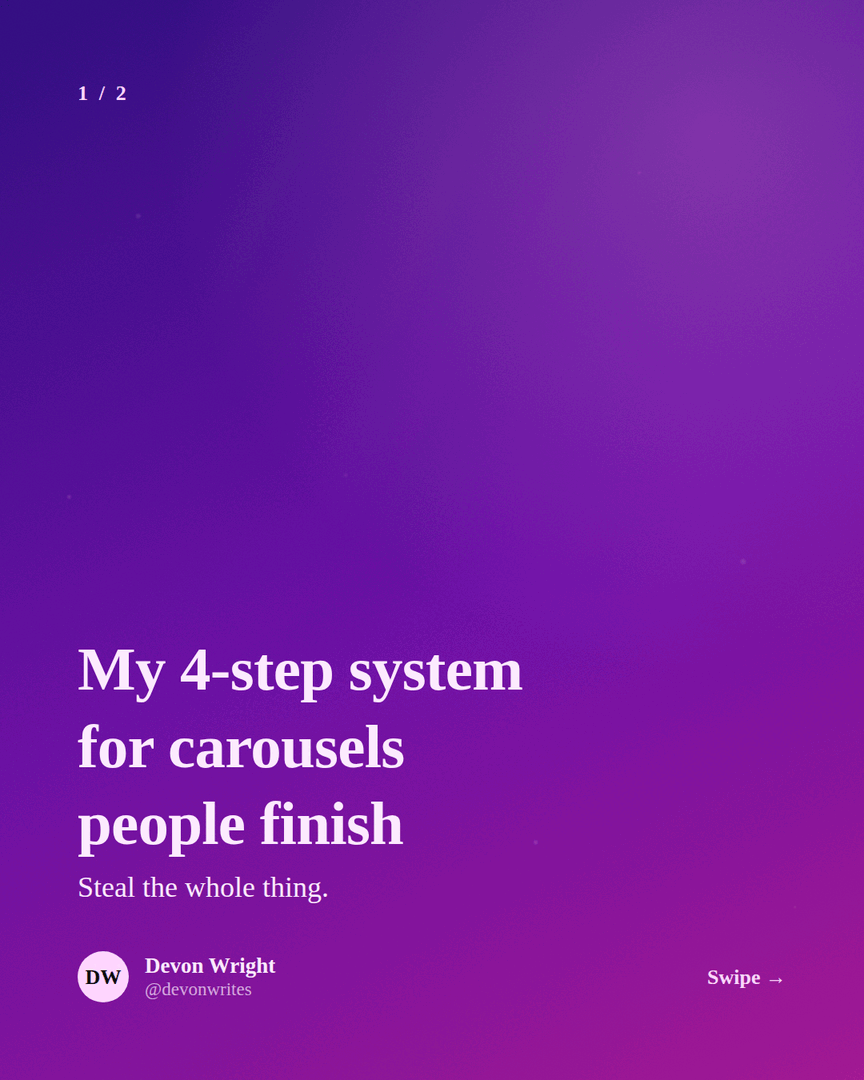
- →Card 1: "7 LinkedIn mistakes quietly killing your reach."
- →Cards 2-8: one mistake (or tip) per card - short enough to read on a thumb-swipe.
- →Final card: the offer or follow.
- →Why it works: numbered promises set expectations and keep people swiping to the end.
The pattern behind all seven
Strip away the industry and every good carousel ad does the same five things. Keep this as your checklist before you spend a cent on reach.
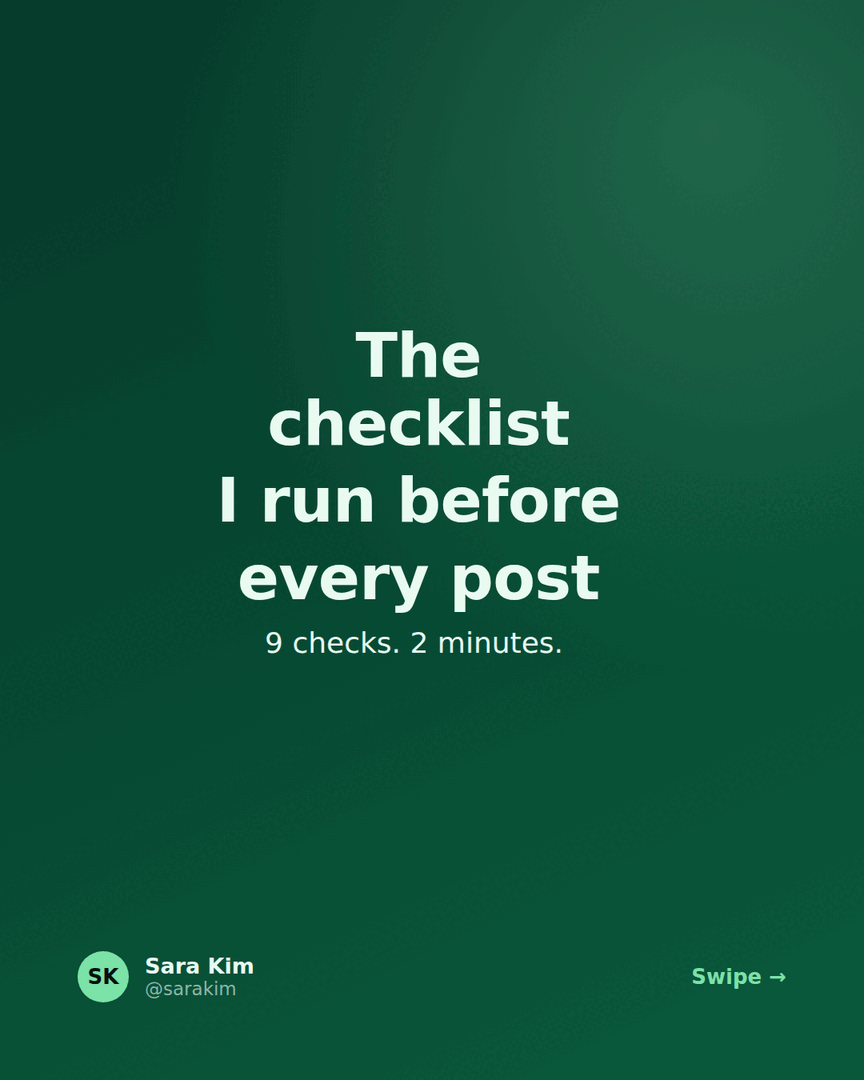
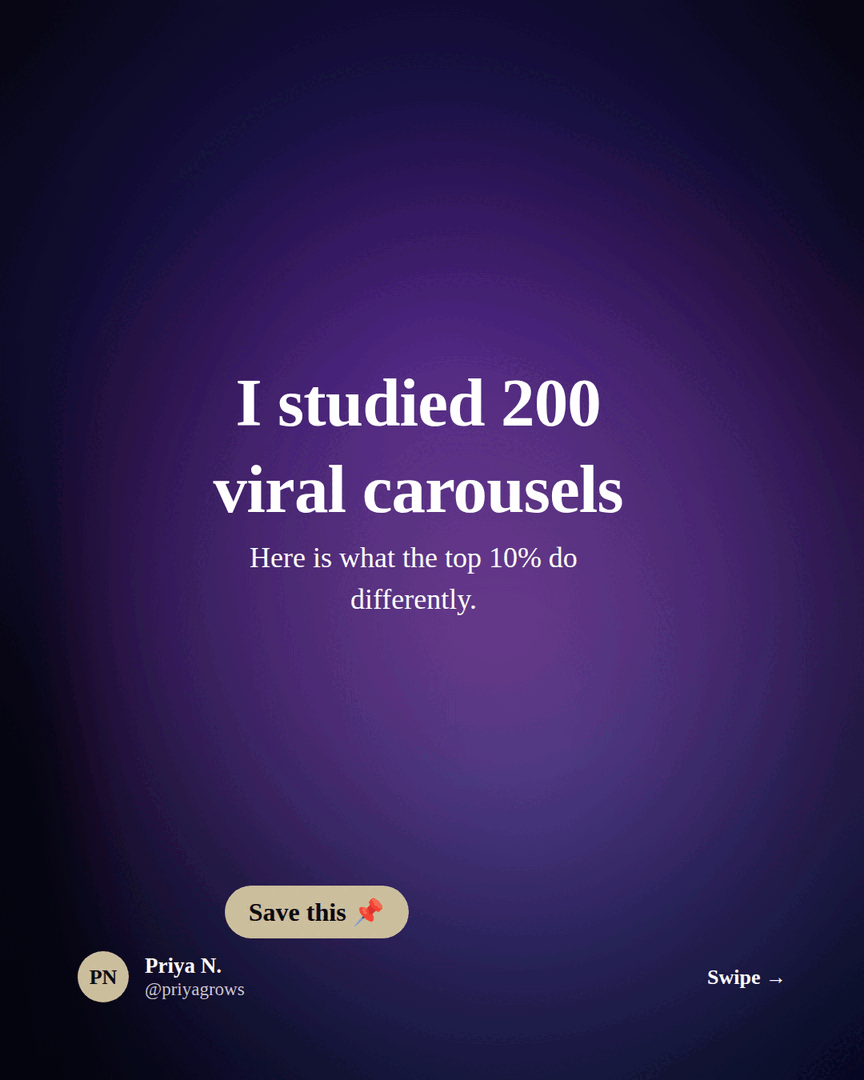
- →Card 1 earns the swipe on its own - a hook or a clear promise, never a logo.
- →One idea per card. A line and a visual beats a paragraph on a square.
- →5-6 cards usually beats 10. You don't have to fill every slot.
- →Consistent design card to card - same fonts, colours and margins - so it reads as one story.
- →End on a clear next step, and give that last card your strongest link.
Build the card creatives for free
Every example above is just square cards with text on a consistent theme - exactly what Reathy makes. Write each card as a line of text, pick a theme, set the format to square 1:1, and export each slide as a 1080×1080 PNG. Those PNGs upload straight into Campaign Manager as carousel-ad cards, already on-brand and the right size. No Canva, no designer, no account needed to try it.
Frequently asked questions
What makes a good LinkedIn carousel ad?
A first card that earns the swipe on its own, one idea per card across 5-6 square cards, consistent design, and a clear call to action on the last card with your strongest link. Lead with a hook or a concrete promise, not a logo.
How many cards should a LinkedIn carousel ad have?
The format allows 2-10, but 5-6 well-made cards usually outperform 10 thin ones. Add a card only when it carries its own idea - you don't need to fill every slot.
What size are the cards in these examples?
Every card is 1080 × 1080 px, a 1:1 square, exported as a JPG or PNG. That's the size LinkedIn Campaign Manager expects for a Carousel image ad. You can export cards at that size for free in Reathy.
Are these real brand ads?
No - they're example patterns by ad type (lead-gen, product, case study, webinar, hiring, thought leadership, listicle) so you can adapt the structure to your own offer without copying a specific company's creative.
Make your carousel now
Free to start - 5 slides per carousel and 20 exports a month. No design skills needed.
Open the editor