LinkedIn carousel templates
Eight carousel structures that work again and again - copy the shape, drop in your own words. Every template opens pre-filled in Reathy, so you start from a real draft instead of a blank slide. Free, no signup to try.
Not sure which format to use?
Pick by the job the post has to do: a list or how-to to teach steps, a framework to explain a model, a story or case study to build trust, a comparison or myth-buster to persuade, a checklist to earn saves, and a data drop to open with proof. Want the longer decision guide? How to choose a carousel template by goal.

The listicle
A numbered list your audience can save and skim.
Use template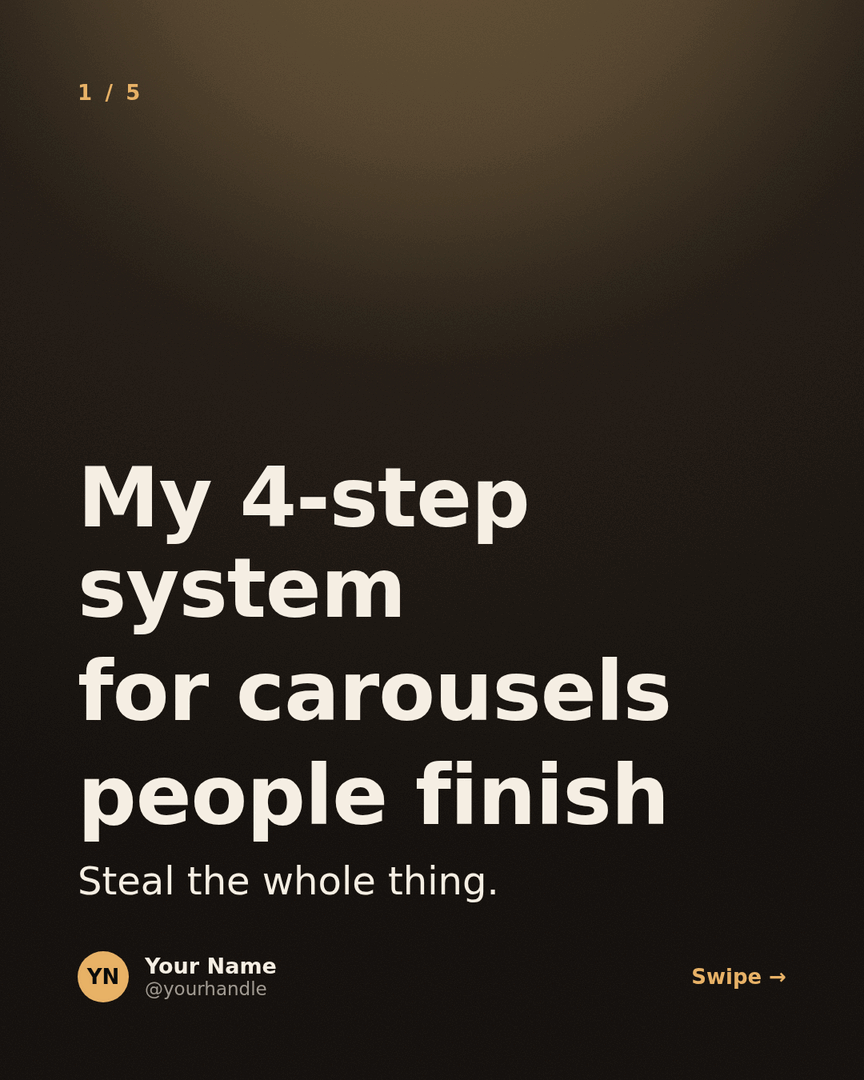
The framework
Name your process so people remember it - and you.
Use template
The case study
A real before/after with the steps in between.
Use template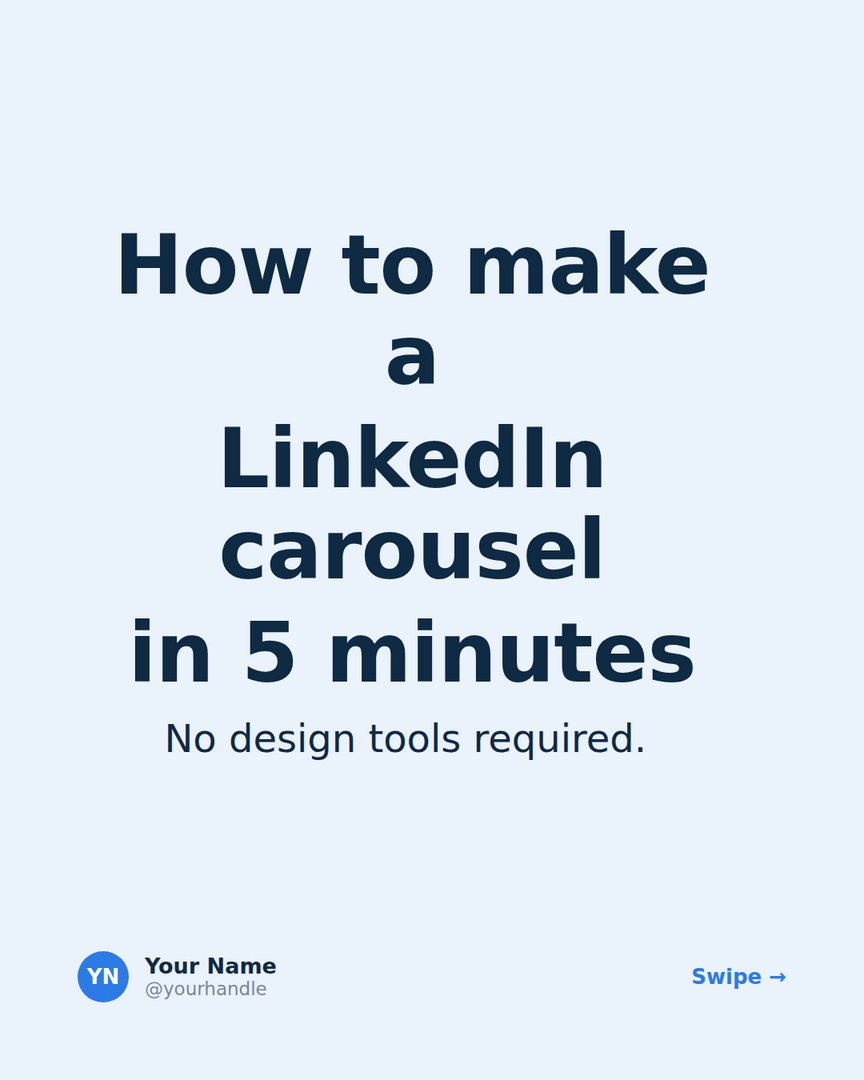
The how-to
A step-by-step people can actually follow.
Use template
The myth-buster
Take on common advice - and back it up.
Use template
The data drop
A number nobody else has, with your read on it.
Use template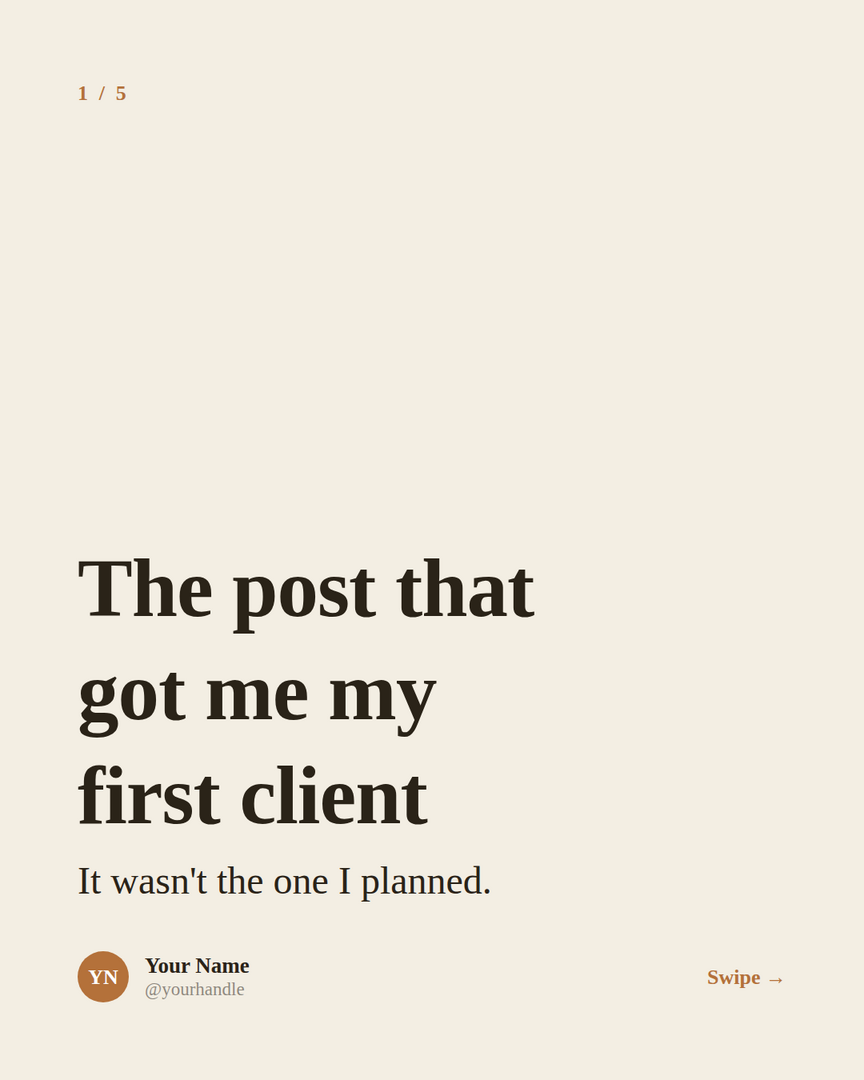
The story
A setup, a turn, and a lesson people feel.
Use template
The checklist
A save-worthy list people run again and again.
Use templatePrefer to start from scratch?
Open the editor, write a few lines, and pick any theme. Your carousel is designed as you type.
Open the carousel maker