Turn text into carousels that stop the scroll
The easiest, fastest way to design branded carousels for LinkedIn and beyond - in minutes, not hours. No Canva, no design skills, no account needed to try.
Reathy is a free web app that turns plain text into branded, ready-to-post carousels for LinkedIn, Instagram and X - no design skills required.
No signup · Free PDF & PNG export · ~5 minutes
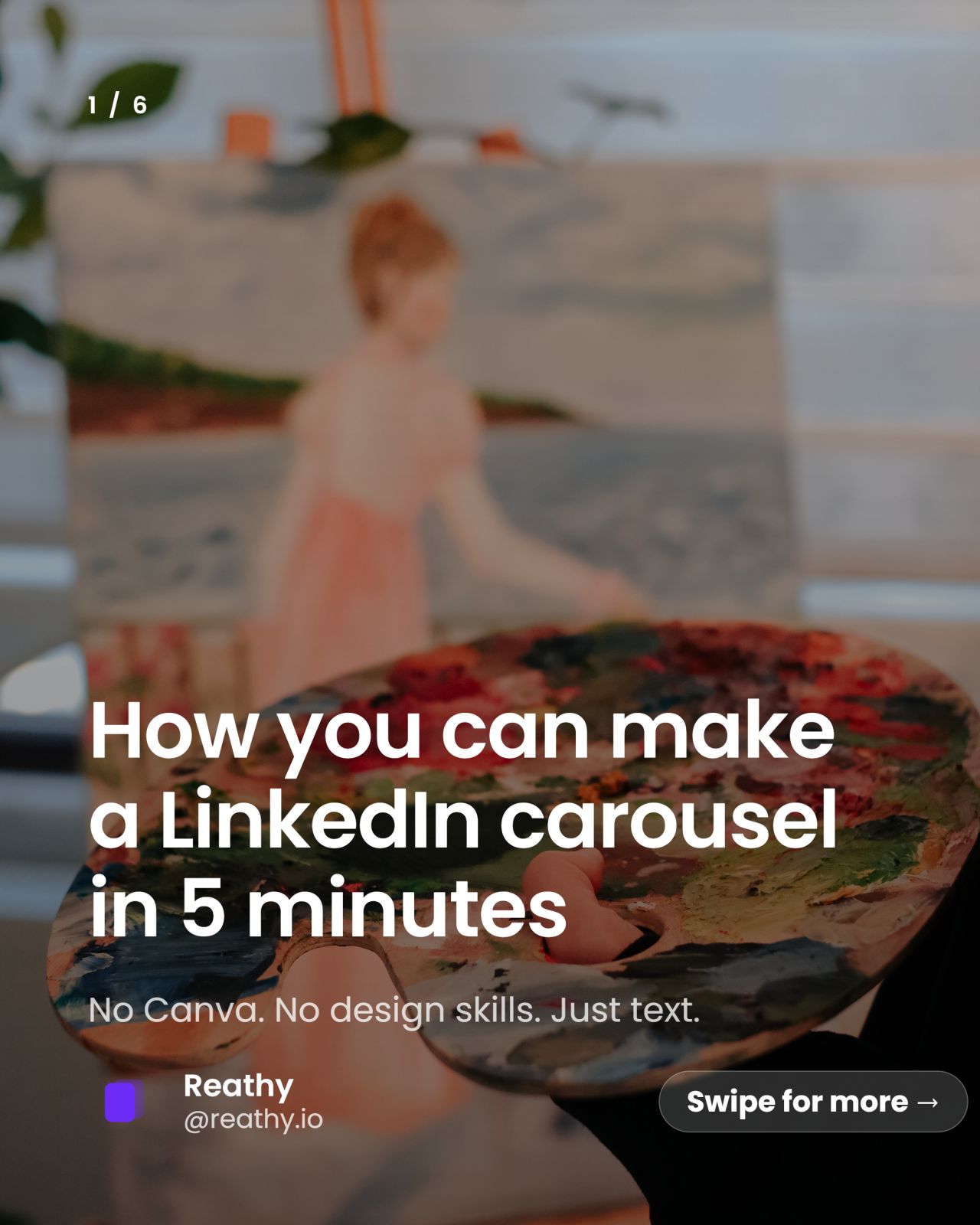
Built to ship
From idea to posted in minutes
No design tools, no templates to wrestle with. Type your idea, pick a theme, export.
from idea to a posted carousel
themes to choose from - 25 of them premium
ways to export - PDF, PNG or ZIP
Themes
Designed-looking slides, zero design work
Pick a theme and every slide inherits consistent type, spacing and color. 43 themes - 25 premium.
Ocean
Noir
Neon
Emerald
Sunset
Retro
Cobalt
Sky
Ink
Your photos
Not just themes - drop in your own photos
Place your own images right on any slide - free - then go full-bleed with a background photo on Pro. Your text, logo and layout stay crisp on top.
 Your photo
Behind every scroll-stopper is a photo people feel





Simple, honest pricing
Start free. Upgrade when carousels become part of your routine.
Everything you need to try it for real.
- Up to 5 slides per carousel
- 20 carousels per month
- 17 base themes + 8 fonts
- Starter templates
- Image on a slide, your logo & brand color
- Export PDF, PNG, or all slides as ZIP
7-day free trial - cancel anytime.
- Unlimited carousels, up to 40 slides each
- No watermark
- 25 premium themes + 14 premium fonts
- Full-bleed background images
- Save your brand kit (logo, color, font)
- Saved projects library + premium templates
Cancel anytime. VAT/sales tax is handled at checkout by Lemon Squeezy.
Use cases
One carousel, every platform
Design once and post it wherever your audience is.
Document posts (PDF) - one of the most engaging formats in the feed.
Square carousels - export each slide as a crisp PNG.
X / Twitter
Image threads and single-slide posts that stand out.
Newsletters
Repurpose slides as inline graphics for your emails.
Everything you need to ship a carousel
No Figma, no templates to fight with. Just type and export.
Try it freeText becomes slides
A simple format: --- splits slides, # is a title, - is a bullet. Watch the preview update as you type.
Themes that look designed
Hand-tuned styles and the two formats that matter - 4:5 for the feed and 1:1 for the grid. Add your name and handle.
Add your own images
Drop a photo onto any slide - free. Go Pro to use your image as a full-bleed background.
Export PDF or PNG
The whole carousel as one PDF (a LinkedIn document post), or any single slide as a crisp PNG.
Safe for your account
Reathy never connects to your social account and automates nothing. You just generate files. Zero ban risk.
How it works
Three steps to a post
Write
Drop in your idea or paste an outline. Break slides with ---.
Style
Choose a theme and format, add your handle, tweak the footer.
Export
Download the PDF or PNG and post it. That's it.
Guides
Learn to make carousels that get saves
Questions, answered
What is a LinkedIn carousel (document post)?
It's a multi-page PDF you upload to LinkedIn as a document. Readers swipe through the slides, which keeps them on your post longer - which is why document posts are consistently among the most engaging formats.
Do I need design skills or software?
No. You type your text, pick a theme, and Reathy renders each slide for you. Export a PDF or PNG and post it. Nothing to install.
Is it really free?
Yes. The Free plan lets you export up to 20 carousels a month with up to 5 slides each, using all 17 base themes. Upgrade to Pro ($5/month) for up to 40 slides per carousel, unlimited carousels, images and no watermark.
Can I use the carousels on Instagram and X too?
Absolutely. Choose the 1:1 square format and export each slide as a PNG for Instagram carousels or X image posts.
Is my account safe?
Completely. Reathy never logs into or connects to your social accounts and automates nothing. It only generates image and PDF files on your device.
Ready to make your first carousel?
Open the editor, type your idea and export a scroll-stopping carousel in minutes.